- Log in to VX Cloud at "cloud.vxsport.com"
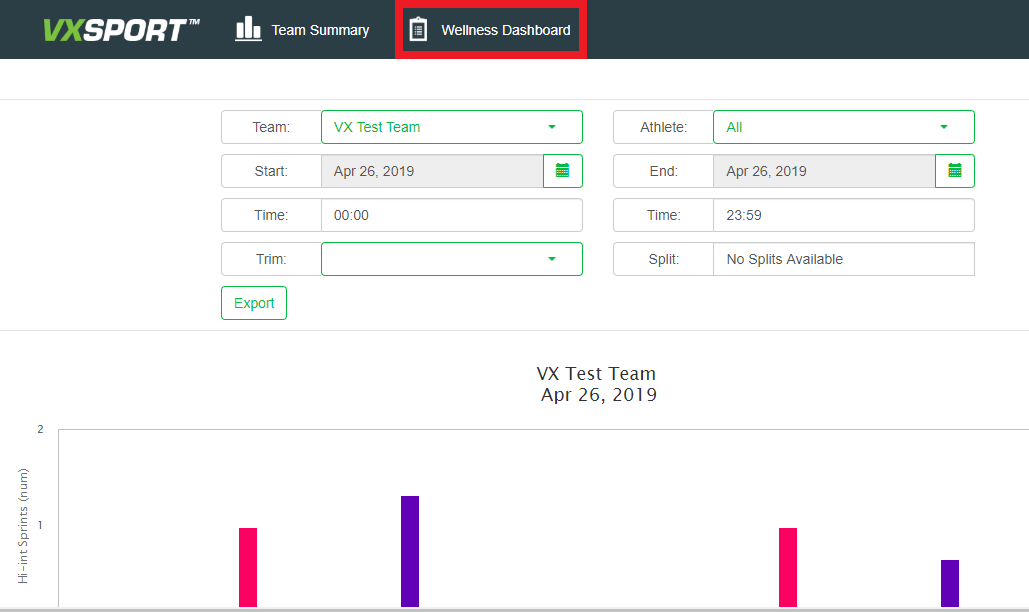
- Select the "Wellness Dashboard" option from the menu at the top.
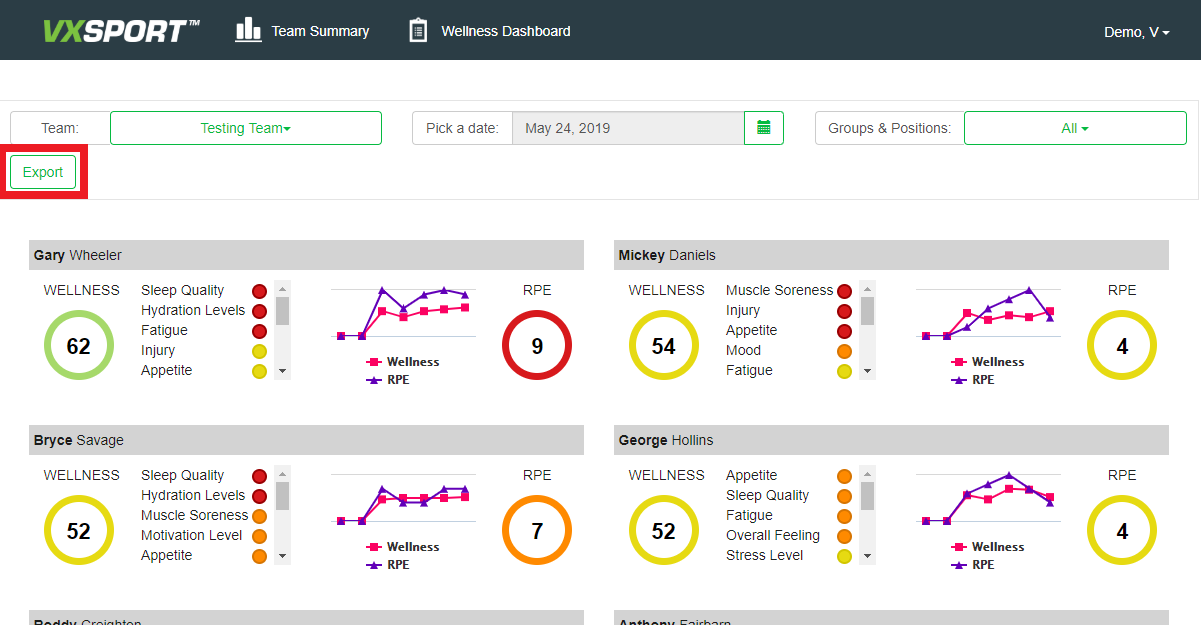
- Select the date, team and group you would like to export then click the "Export" button. This will automatically start downloading a CSV with the wellness data from this selected day.
- Find the CSV in your downloads, it will look like this:
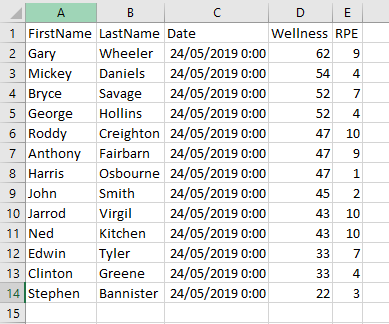
- There is also a demo CSV attached.
VX Cloud - Exporting Wellness Data
Have more questions? Submit a request
Please sign in to leave a comment.
0 Comments