When athlete benchmarks have been changed, all historical data in the training report will remain unchanged. However, if the user would like the historical data to utilise the newly applied benchmarks, VX has introduced a new function in the Trims & Splits section that allows this data to be re trimmed rather than having to re import the file(s).
1. In the training report, select all data files for a specific day and select "Trim & Split."
2. Tick the “Use current athlete benchmarks” box.
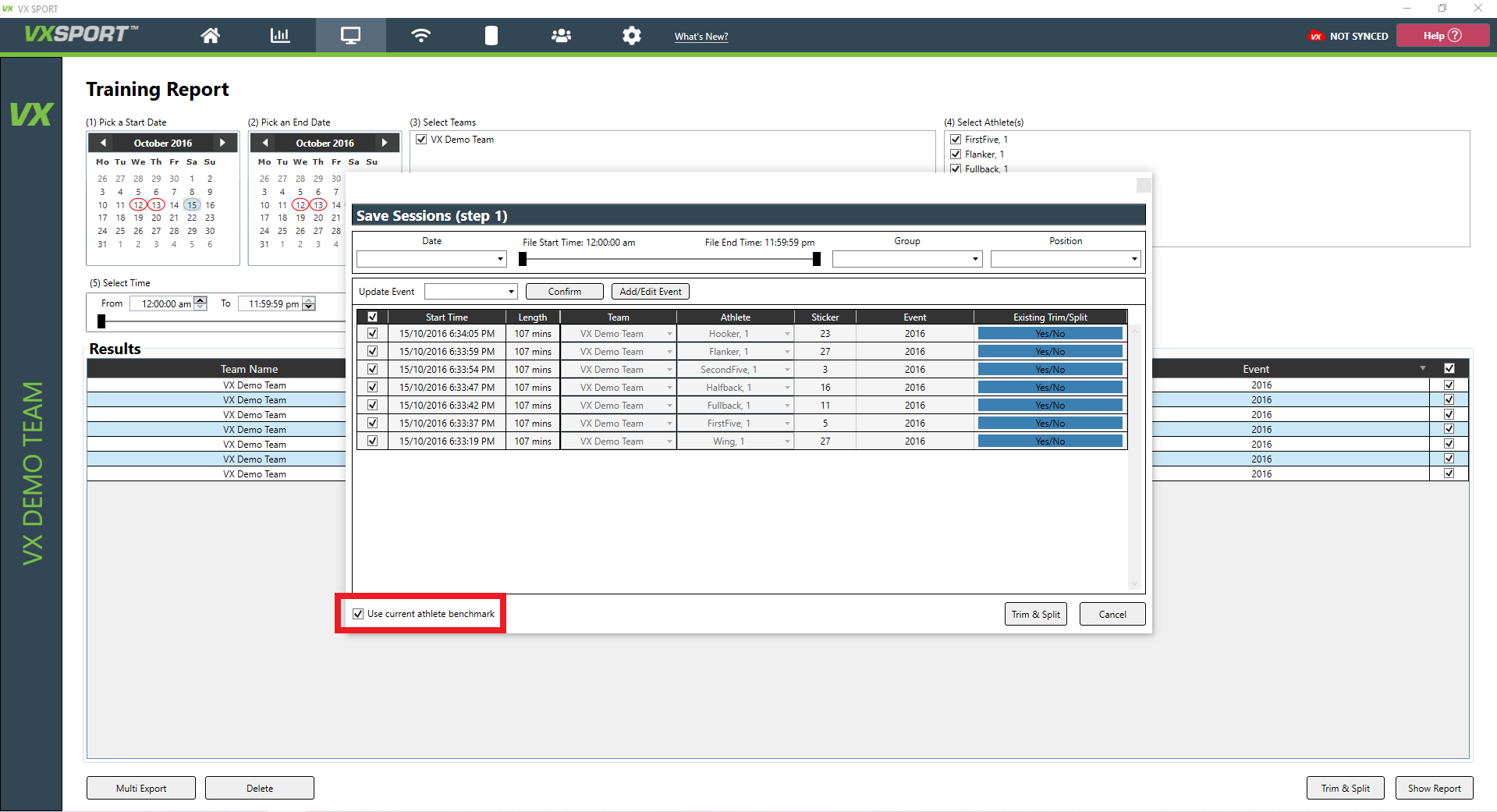
3. Select Trim/Split.
4. Click Save.
0 Comments